Know where your stuff is, and who has it.
Stowie keeps track of what you own, where you put it, and what you lent to whom, then reminds you when it's due back.
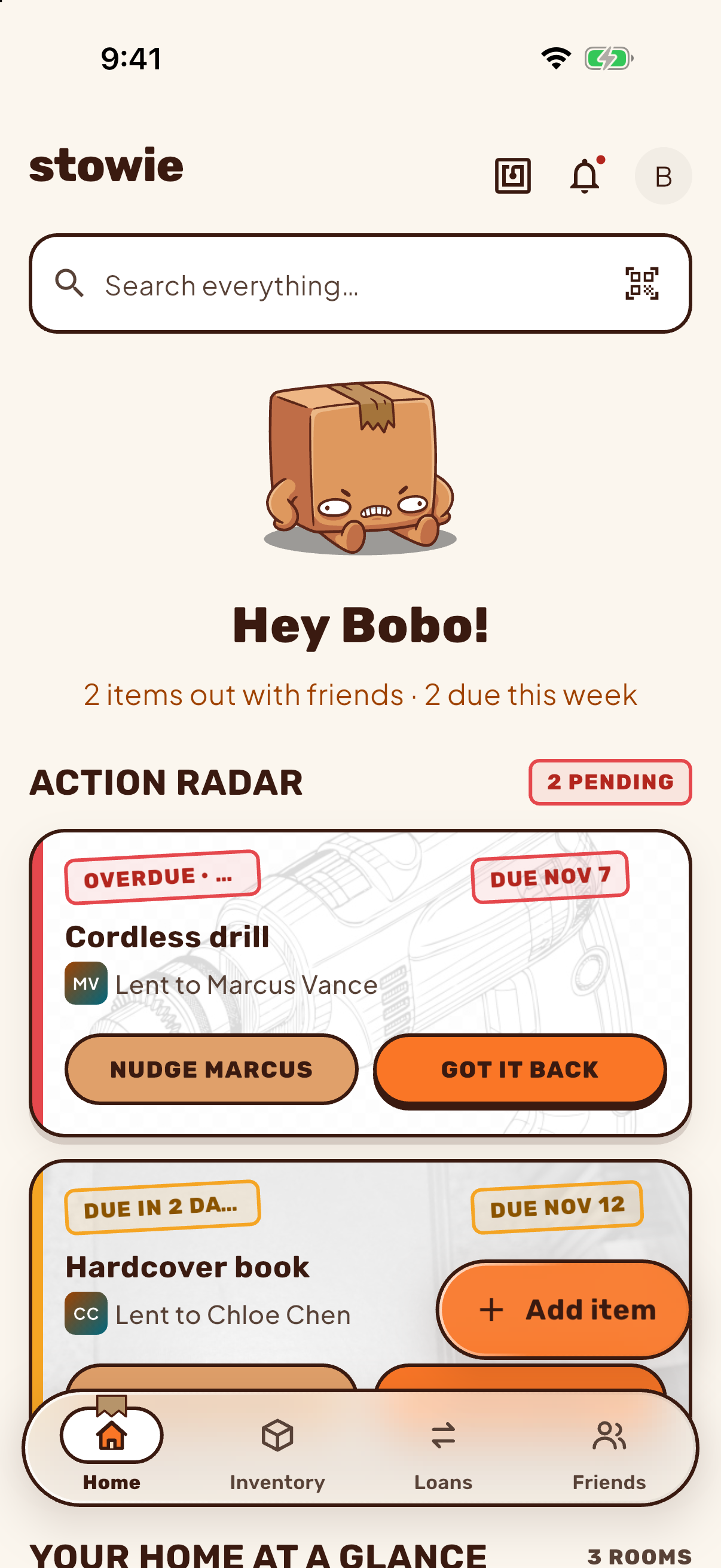
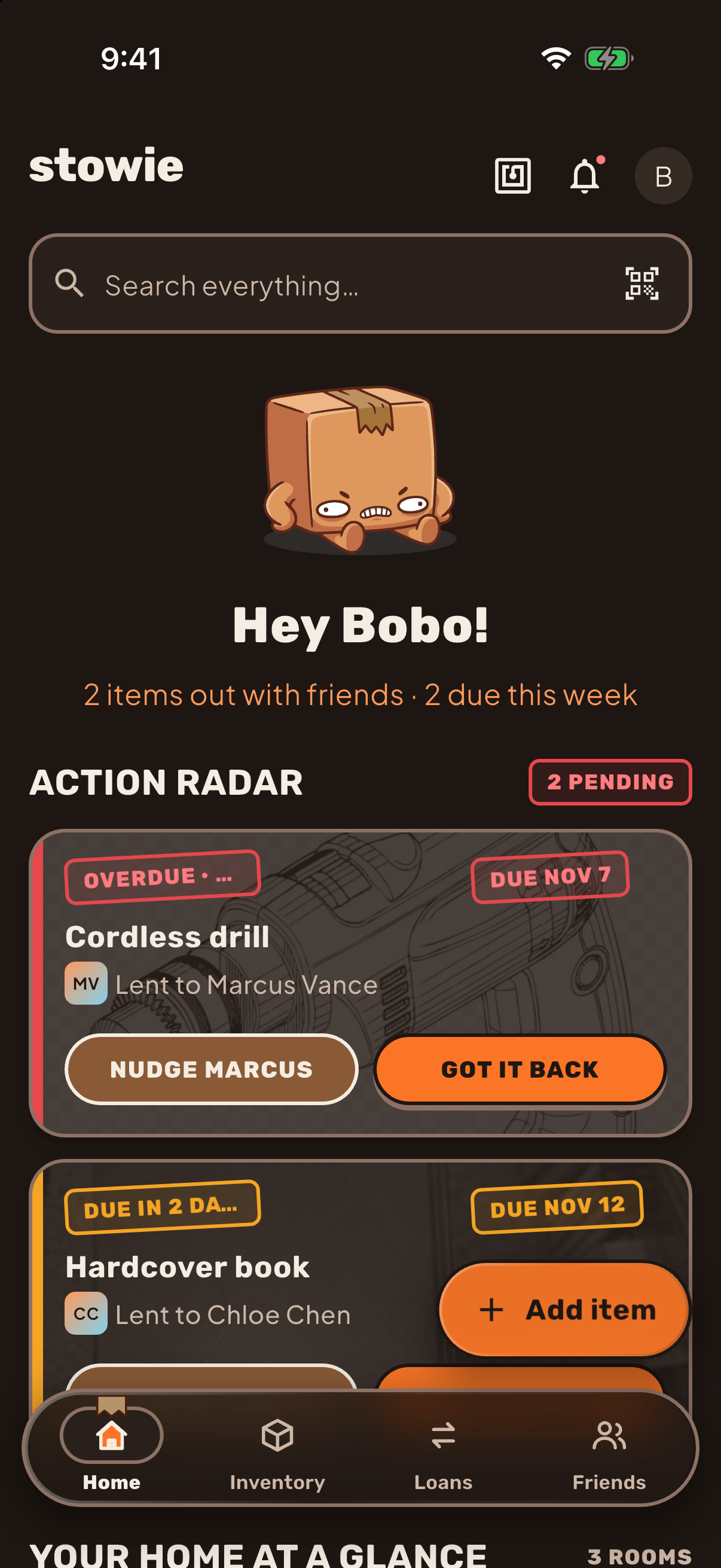
Things wander. Stowie knows where they went.
A drill on loan, a tent in the garage, a book at Chloe's. Each one gets a name, a place and a status.
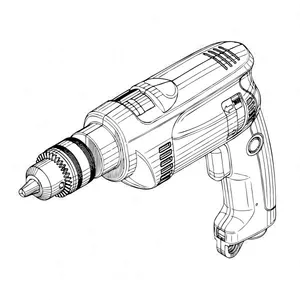
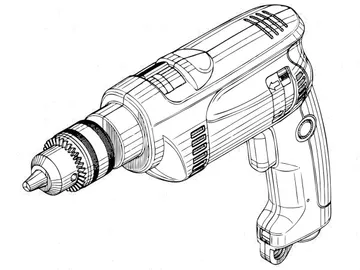 Cordless drillWith MarcusOverdue
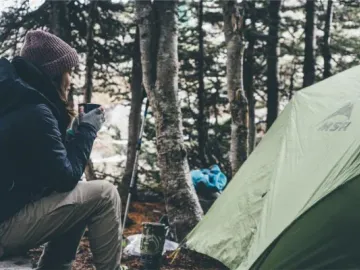 Camping tentGarage › Shelf 2Stowed
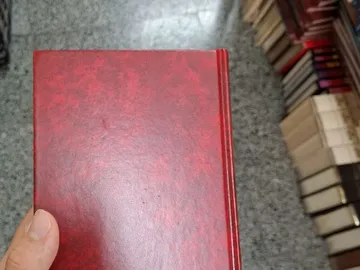 Hardcover bookWith ChloeDue soon
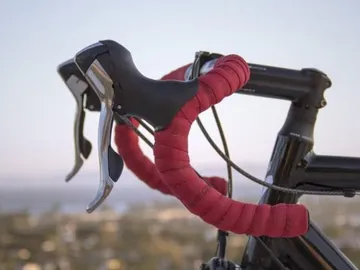 Road bikeWith a neighbourLent
 HeadphonesLiving roomStowed
 Acoustic guitarWith JordanDue soon
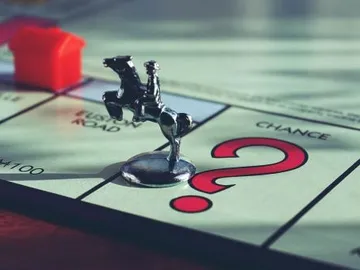 Board gameOut with a friendLent
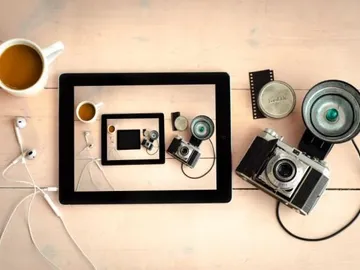 Film cameraOffice › Shelf 1Stowed
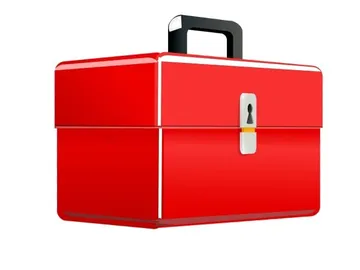 Tool boxGarageStowed
Tag it once. Stowie remembers the rest.
The drill is at Marcus's. Probably. Stowie turns "probably" into a place, a person and a date.
- 1
Add it
Take a photo and Stowie suggests a name. You can change it.
- 2
Put it somewhere
Rooms, boxes and pins. Boxes can sit inside boxes, at any depth.
- Garage › Shelf 2 ›BX-04Stowed
- Pantry ›BX-07
- Attic › Holiday bins › Lights ›BX-12
- Basement › Storage cage › Camping ›BX-09
- 3
Lend it
Pick who has it and a due date. Stowie sends reminders when it's due and when it's late.
Marcus · back FriLent
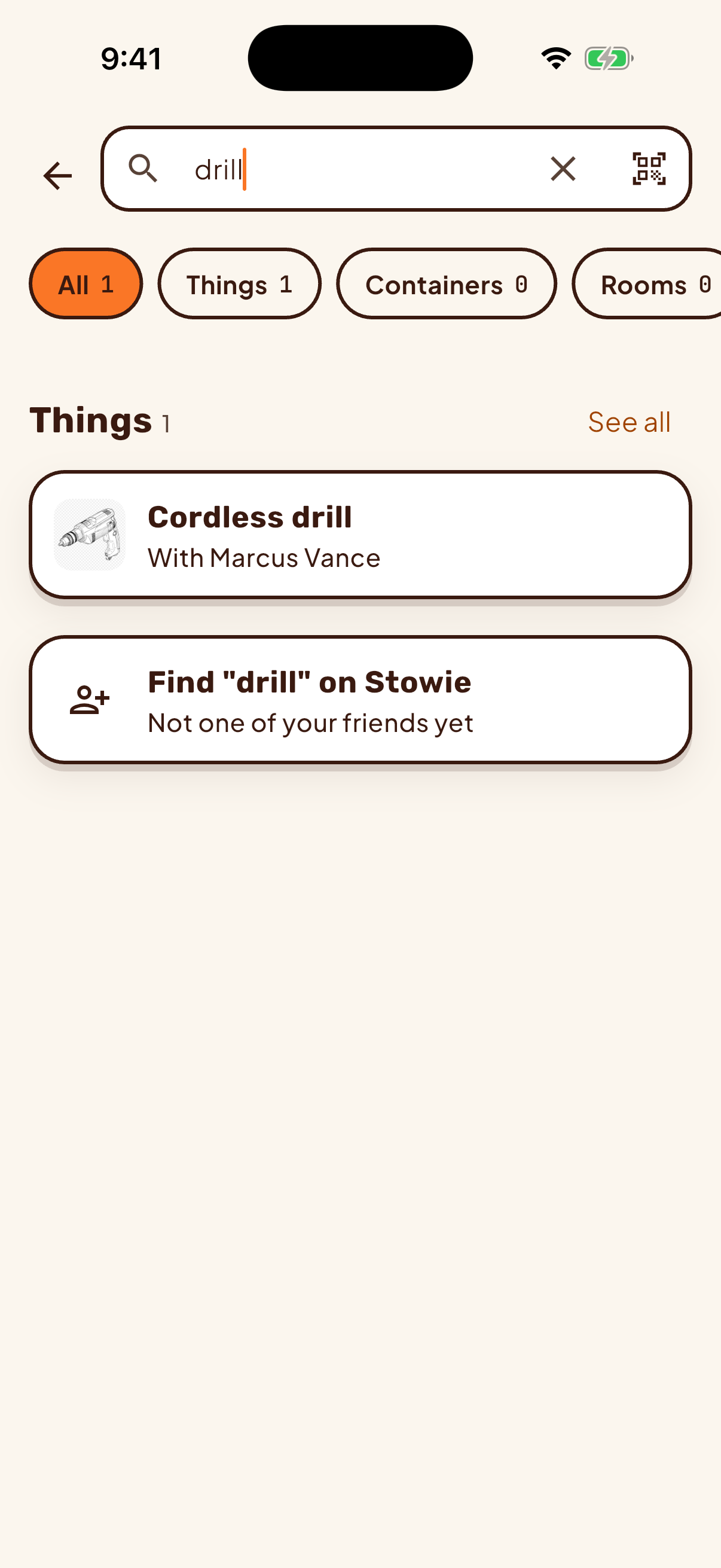
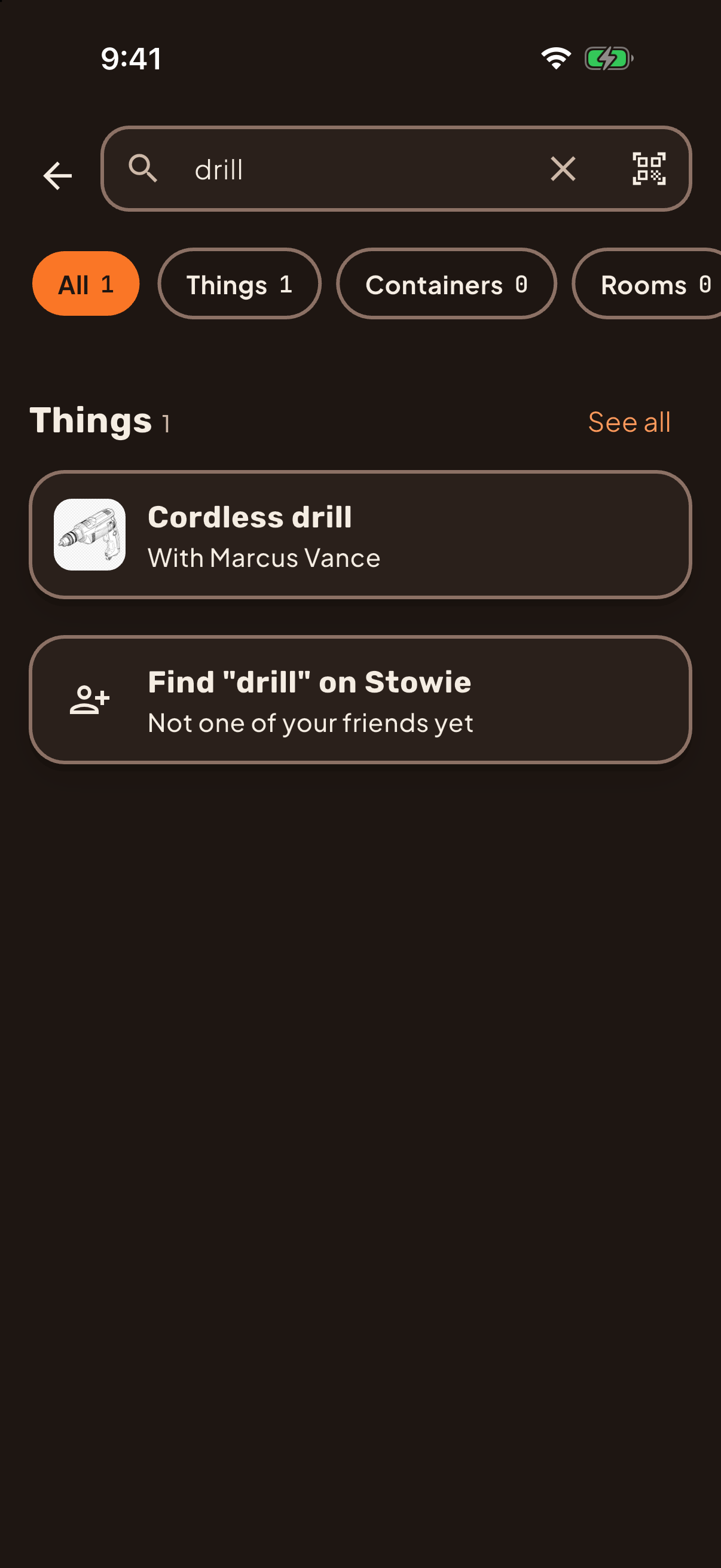
Find it when you need it.
Search by name or brand, or scan a Stowie code to jump straight to the thing. Codes are customizable too, so Stowie fits your needs, not the other way around.
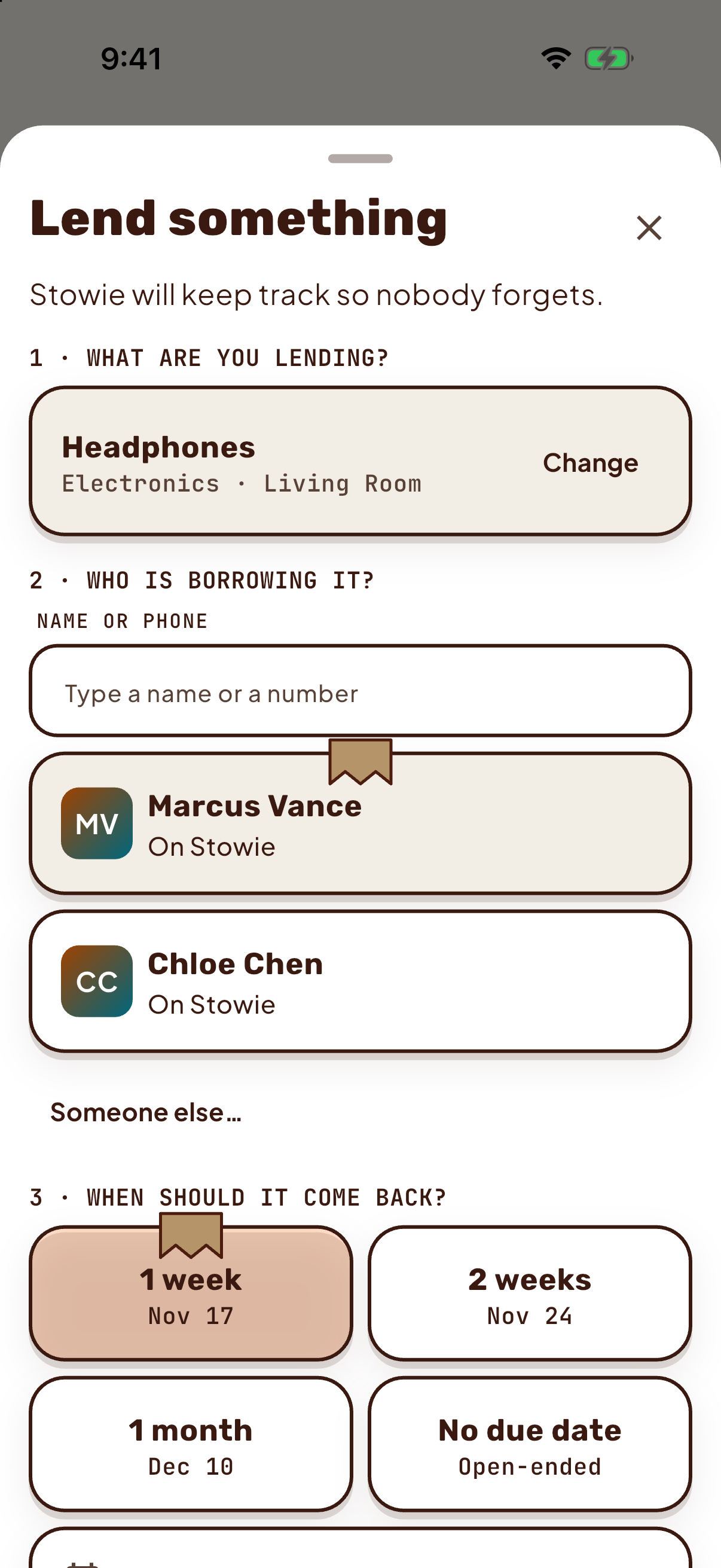
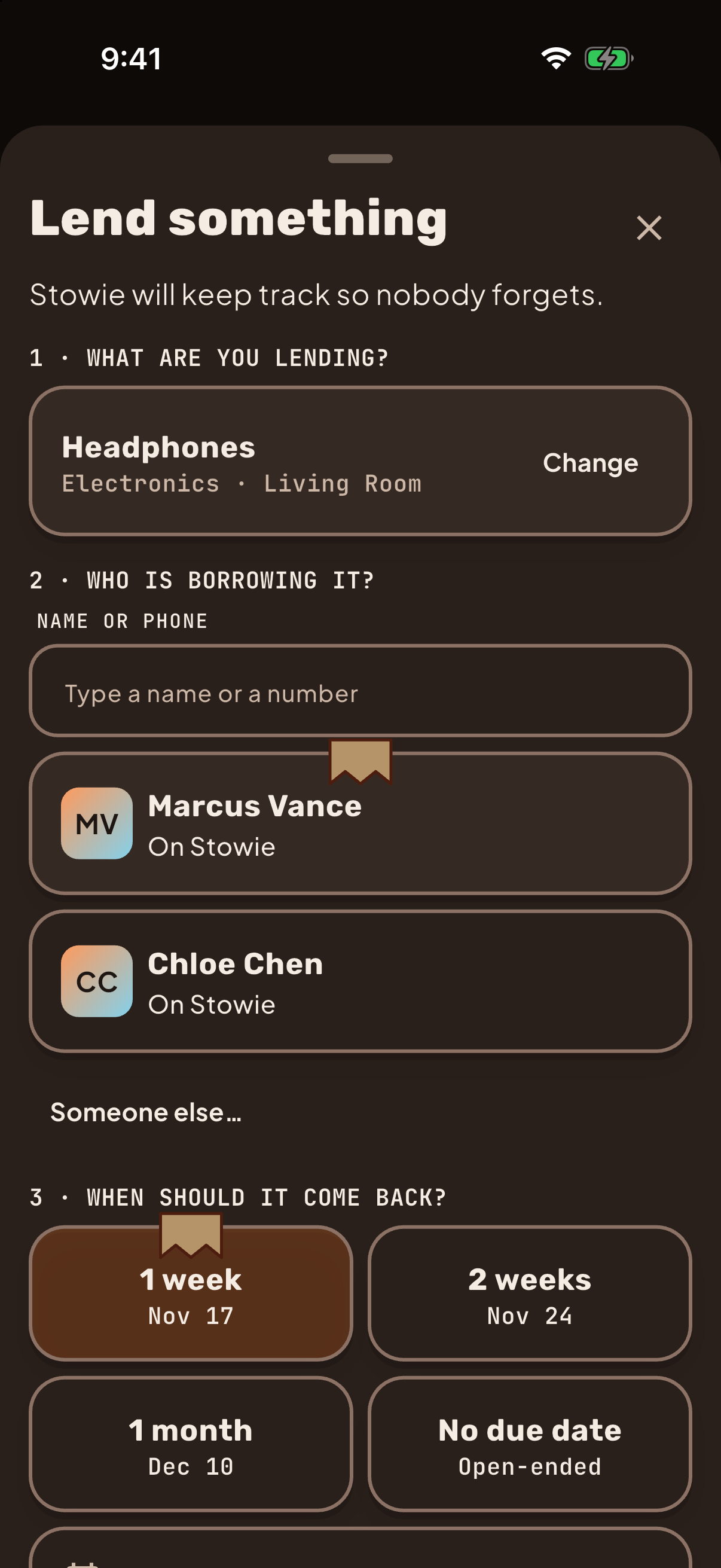
Lend it, and know when it's back.
Set a due date when you hand it over. Stowie reminds you when it's due and when it's late. Send a nudge from the loan when you want it back.
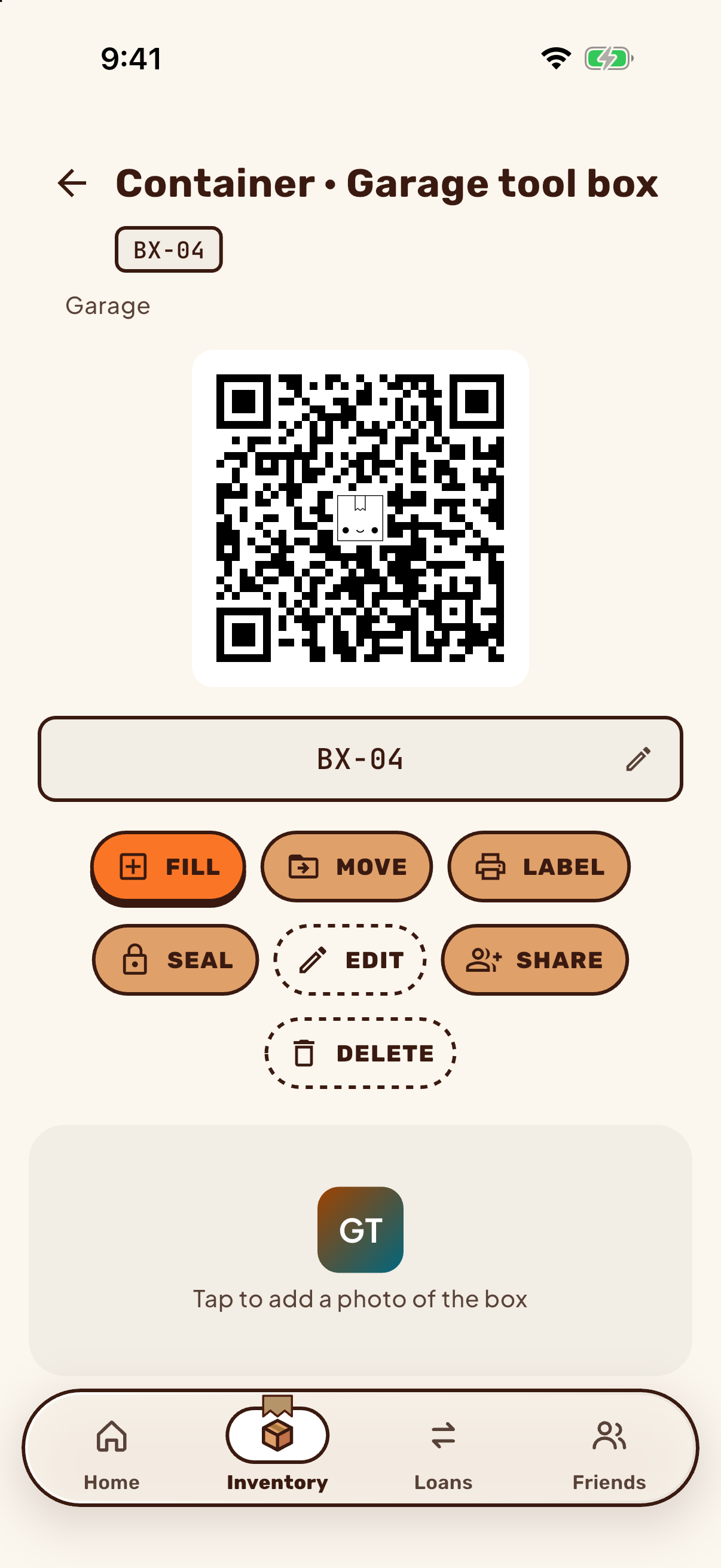
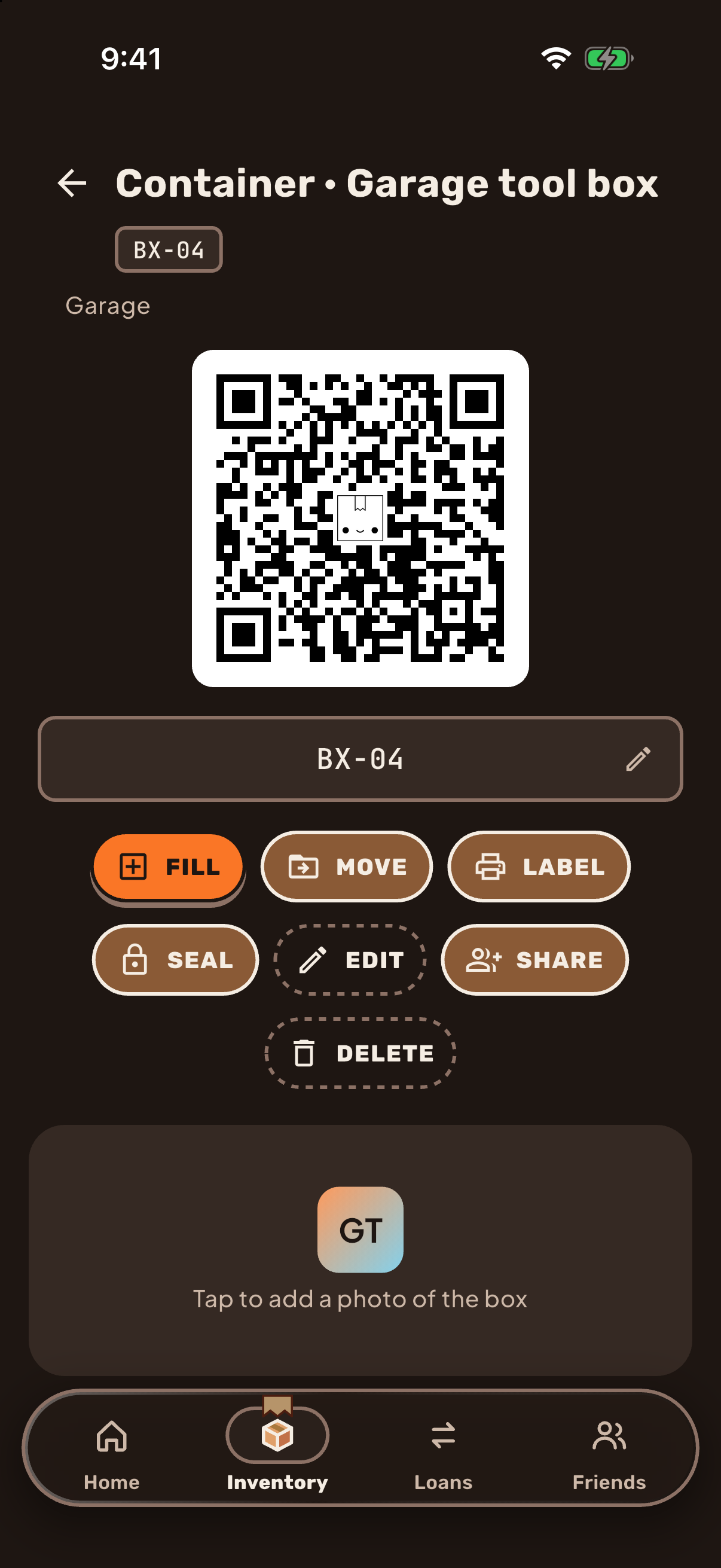
Put it somewhere you'll find it.
Rooms, boxes and pins on a photo. Nest containers as deep as you need. Then when it's time to find it, search for it easily.
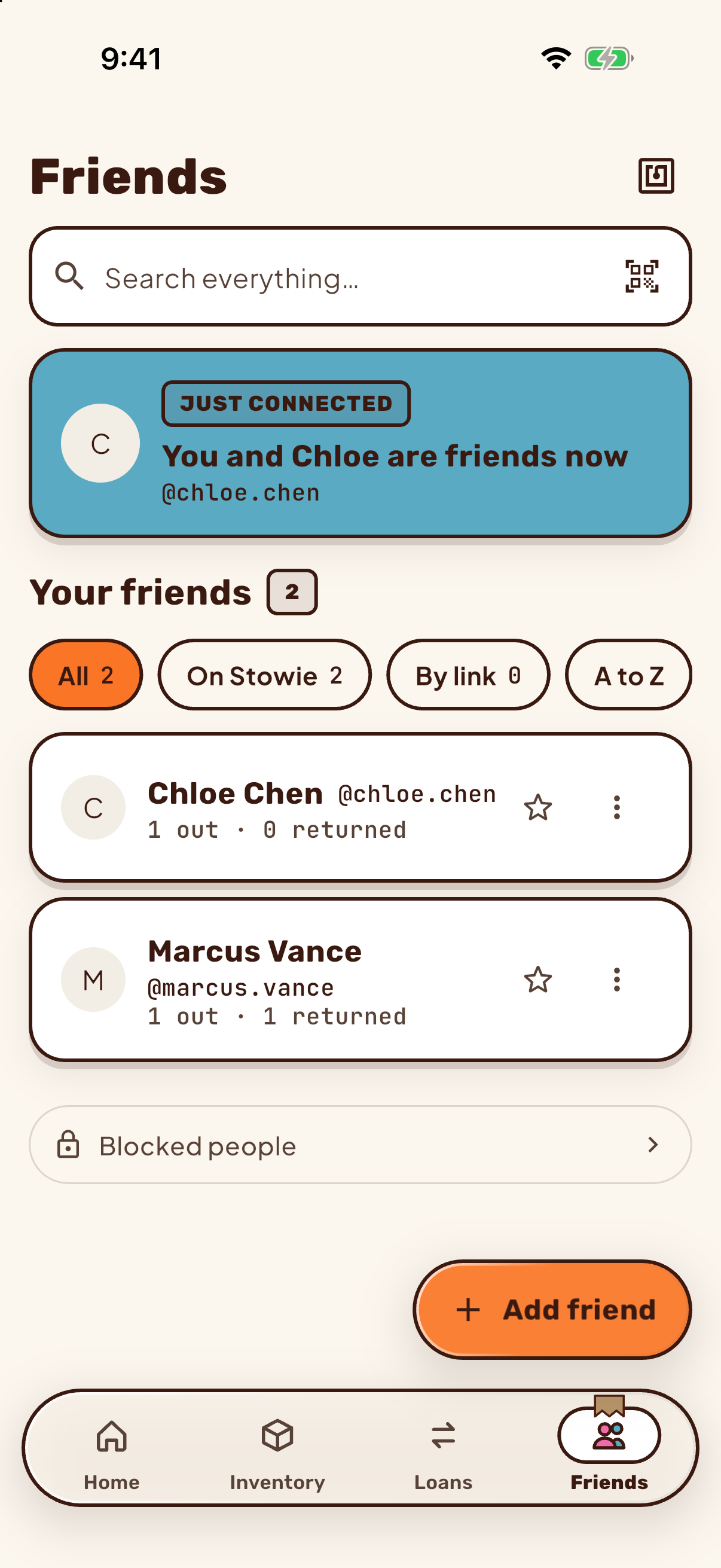
Share a place with friends.
Give an accepted friend view or edit access to a place. Editors can lend from it only when you allow it.
The person you lend to doesn't need the app.
They get a text or an email with a link that confirms the loan. No download, no account.
Alex lent you a cordless drill, back by Nov 14. Confirm here — no app needed:
stowie.app/…
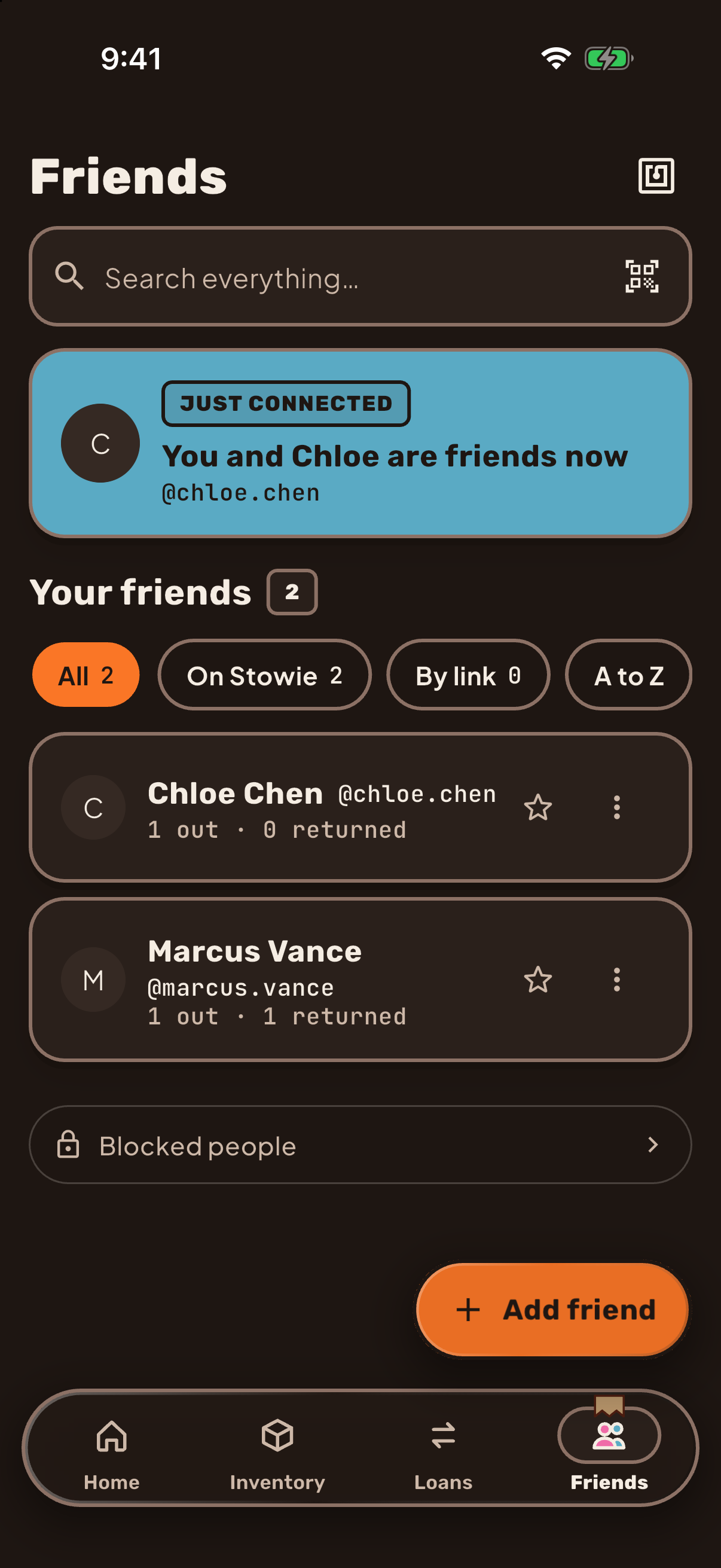
Light or dark, it follows your phone.
Stowie matches your phone's setting, or you can pin it to light or dark. This page does the same, and the switch up top is yours to flip.
Meet Stowie.
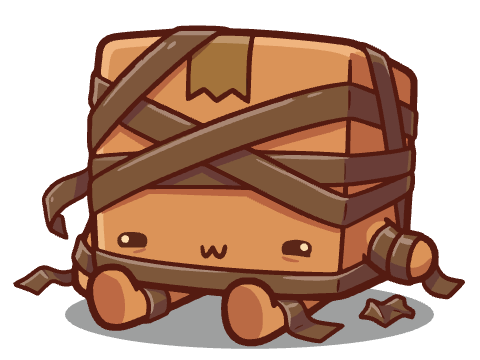
Stowie tries his very best to keep an eye on everything. He's not perfect (he squishes a corner now and then), but he's a good boy.
- All quiet
Everything is right where it should be.
- Heads up
Something is due soon. Heads up!
- Oops
Oops! Squished a corner.
From the maker
I built Stowie because keeping track of your things shouldn't be a full time job, and I built the app that I myself wanted.
Founder
Your stuff, accounted for.
Stowie isn't in the stores yet. Ask for early access and you'll hear when your spot is ready.
Does it cost anything?
Stowie is in beta.
Which phones does it run on?
iPhone and Android. Both are in beta and neither is in a store yet. iPhone beta testing runs on TestFlight, and Android beta builds come as an APK. The Get Stowie page has the latest.
Does it work without an account?
You need an account to add items and lend them. The person you lend to does not: they get a text or email with a link that confirms the loan, and no app is needed.
Can my friends see my stuff?
Friends see the loans between you and them: the item, who has it, and its status. Anyone you give access to a place can also see the items in it, including their photos, values and notes. You can only give access to accepted friends.
Do I have to let AI name my things?
No. When you add a photo you choose how names are suggested: by the hosted service, with your own key, on your phone, or not at all. The photo is uploaded to our server in every case. The privacy policy has the details.
Can I share a place with my family?
You can share a place with friends you have accepted, with view or edit access. Editors can lend from it only when you allow it.
What happens to my data if I delete my account?
You request deletion in Settings. It is set for 30 days later, and you can cancel before then. You can't delete while a loan is open. On that date your account and the places only you own are deleted, with their photos. The privacy policy lists what is removed and what we cannot remove.